Case 01 · An AI video platform for filmmakers
Control in the shot
The problemI can't direct a prompt. I need to block the scene and move the camera, then generate.

Notes · Case 01
In short
A 3D stage that opens from any storyboard shot, with proxy characters and a camera the director can move, and a previz clip that the video model is conditioned on. Blender users get the same workflow inside Blender.
- Role
- Designed and built the 3D stage and the Blender integration
- Client
- An AI video platform for filmmakers
- Year
- 2026
- Stack
- Three.js · Blender extension · image-to-video and reference-to-video models on fal
What came out
- A shot image becomes an editable proxy scene with a camera the director can move
- The camera path renders to a previz clip that can be attached to video generation
- Blender users keep their own tools and send the clip back without leaving Blender
Where it started
Every director who tried generative video said a version of the same thing. The output was often beautiful and almost never the shot they had in their head. They could describe a camera move in the prompt and get a different one. They could ask for two characters on the left and get three in the middle. Rerolling is not directing.
What I built
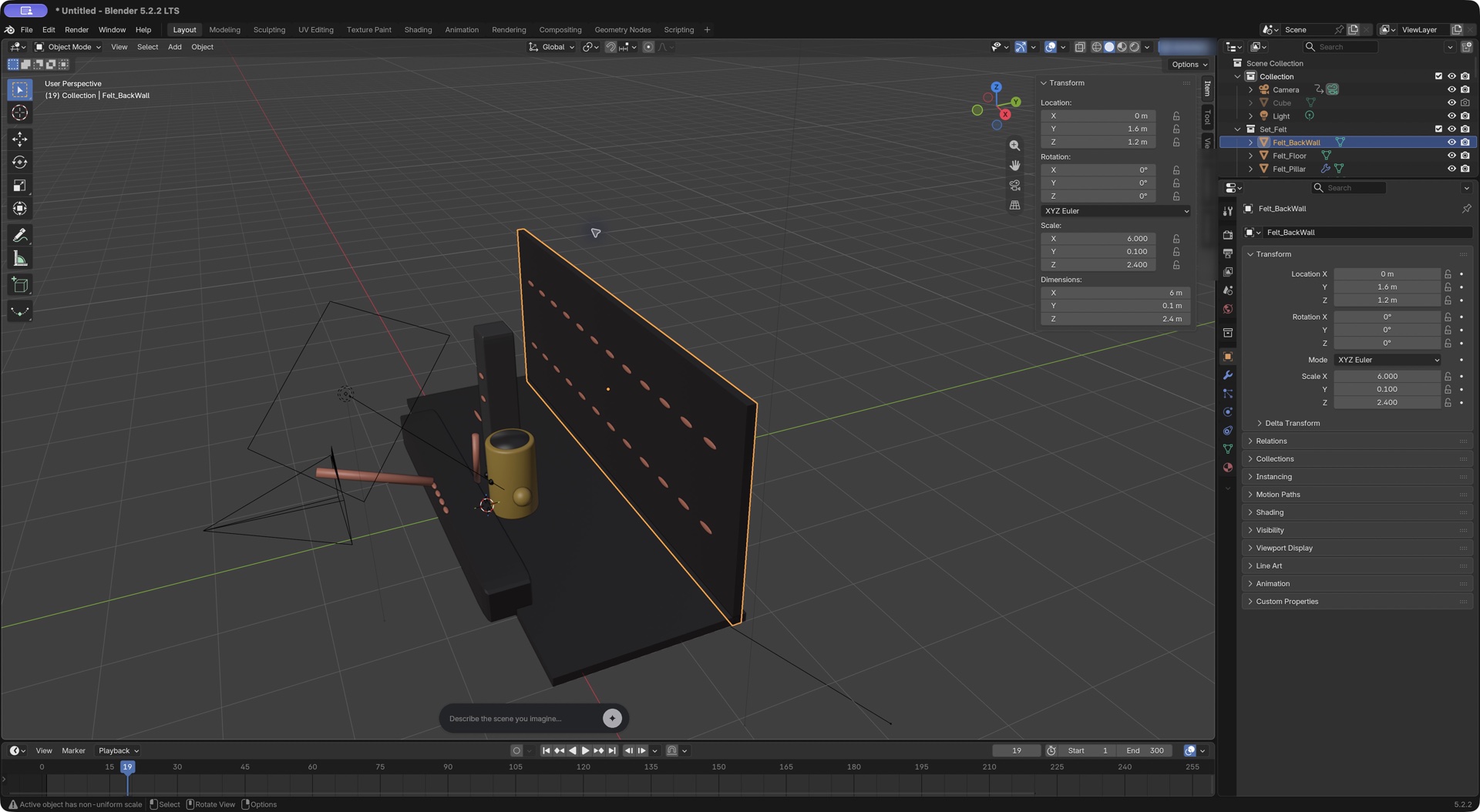
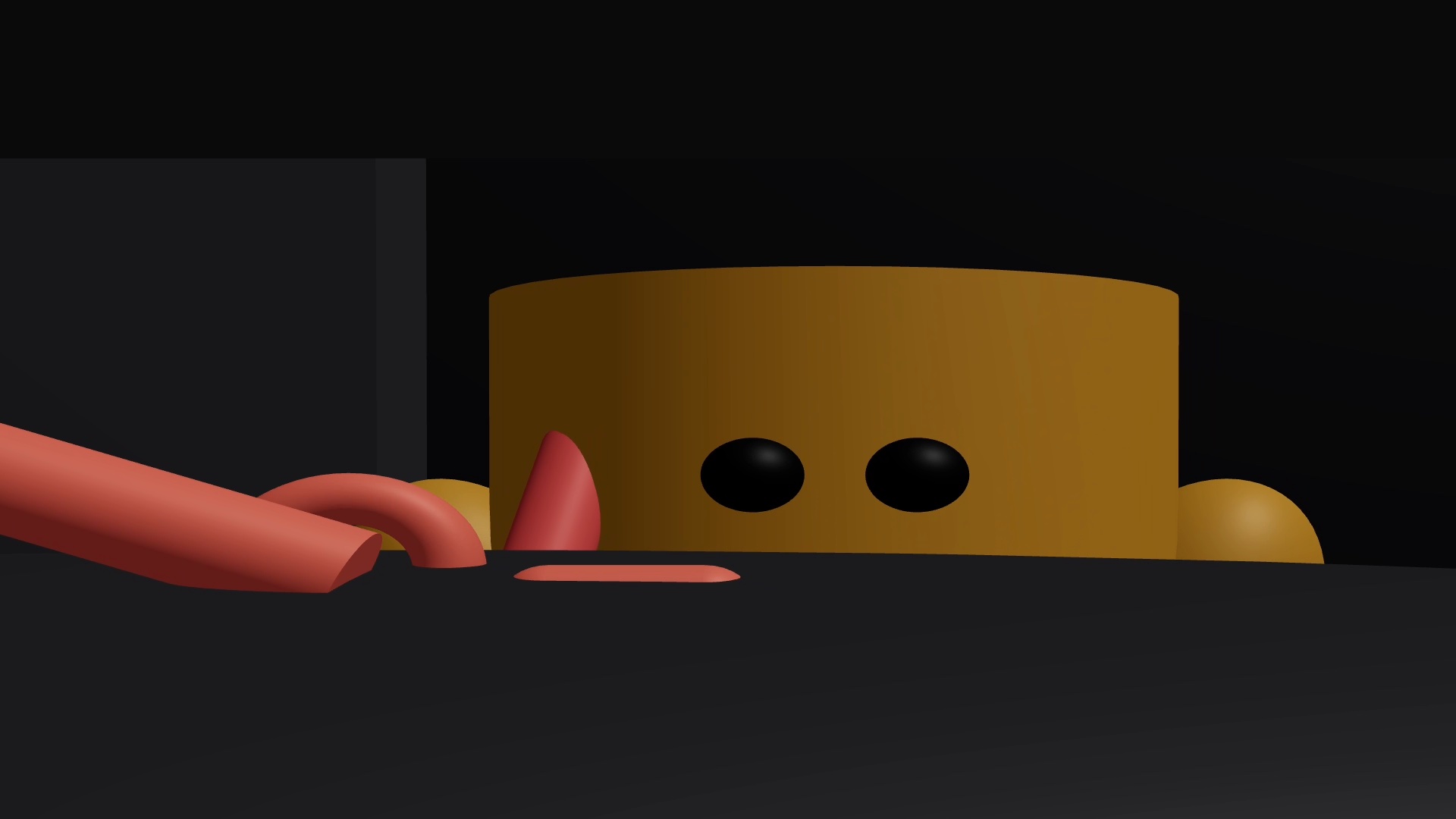
The 3D stage opens from any shot on the storyboard. It drops the shot’s characters in as proxies, gives the director a camera, and lets them block the scene the way they would on set: who stands where, where the camera is, how it moves. When they’re happy, the stage renders a short previz clip.
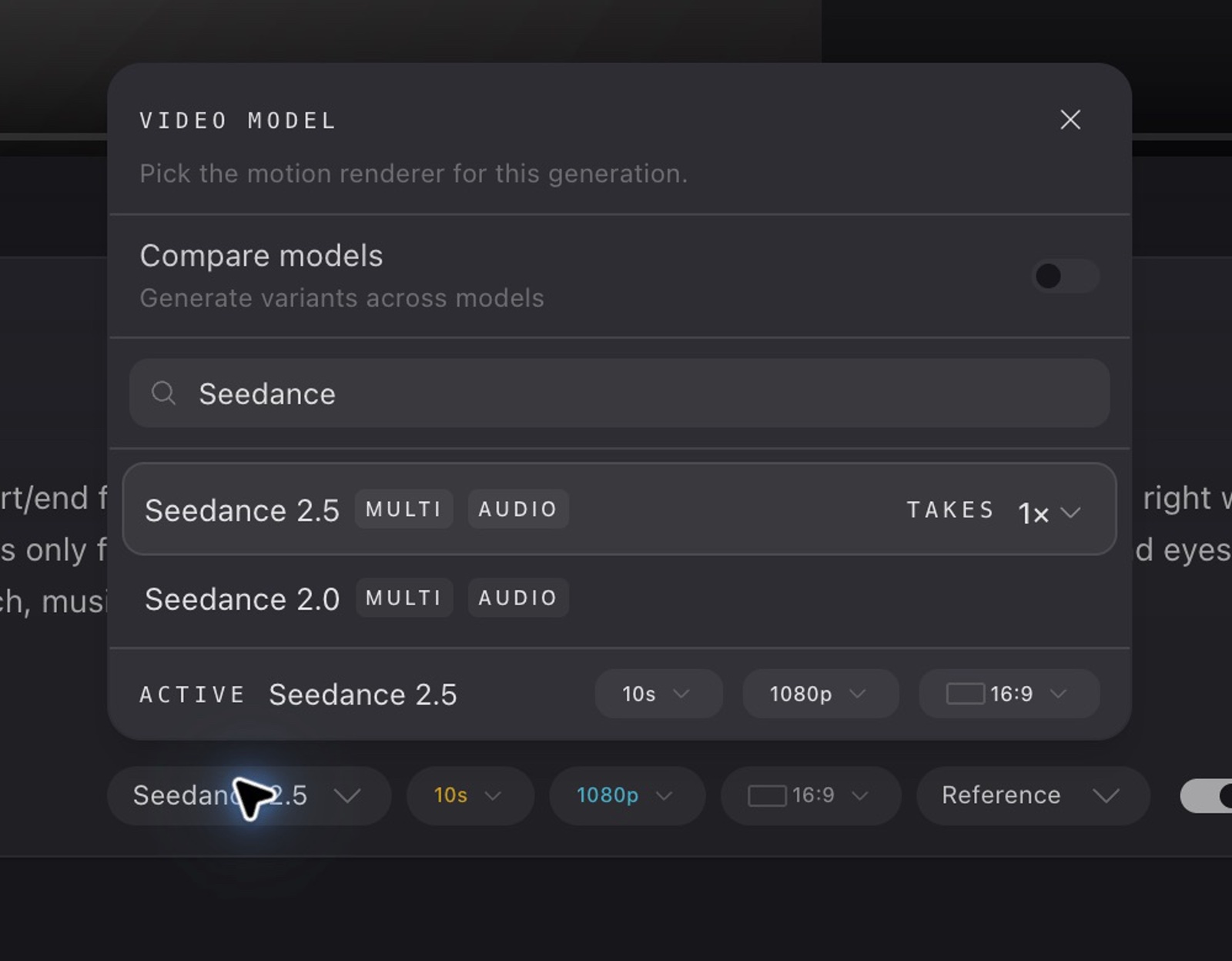
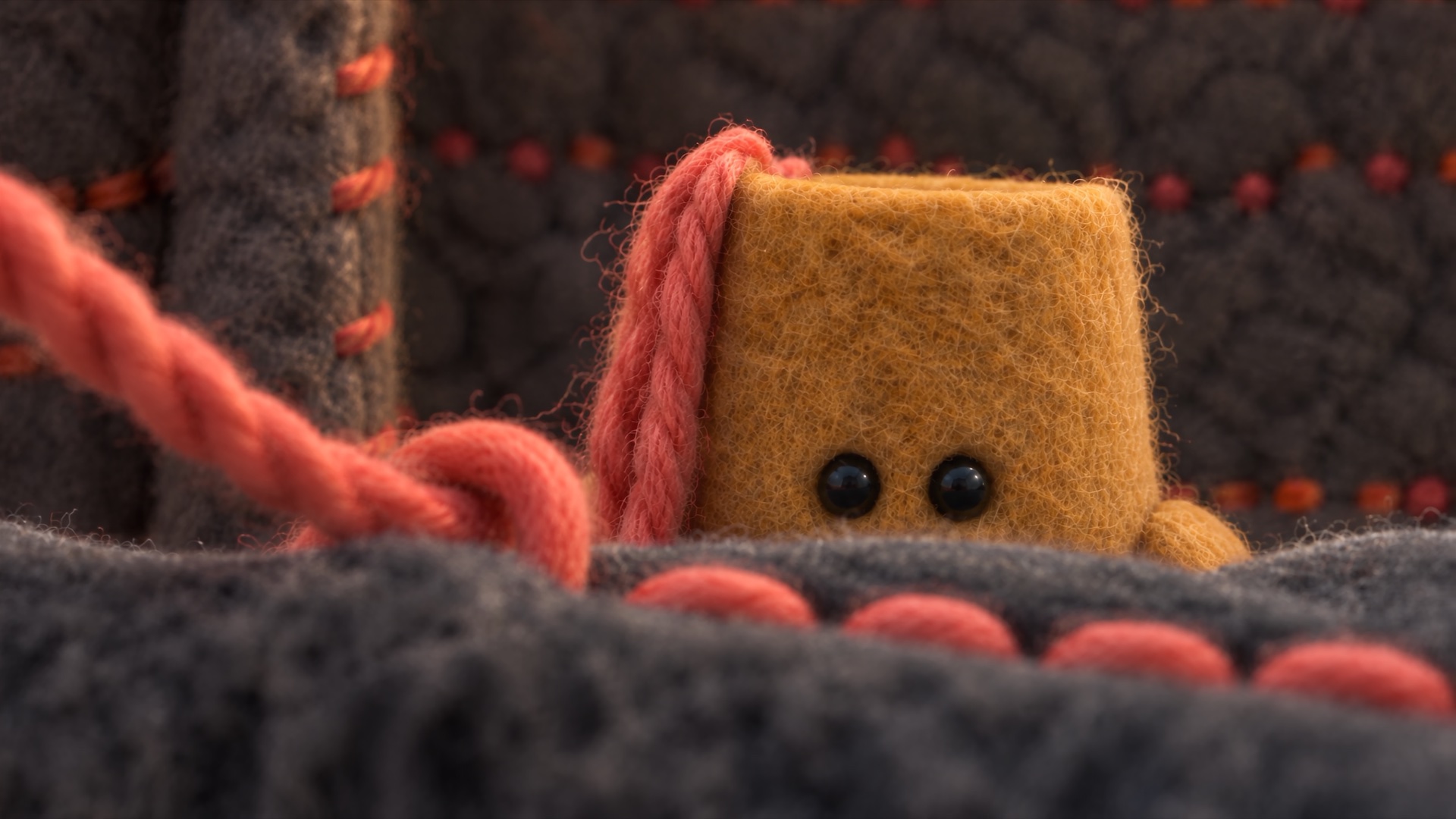
That clip goes into generation as a reference, alongside the shot’s images and prompt. The director picks any model that takes a video reference; here it’s Seedance 2.5 in Reference mode. The previz steers the model rather than dictating to it, and the side-by-side below shows what carried over and what drifted.
For people who already live in Blender, I built the same loop as a Blender add-on. Open the shot from the platform, build or animate the scene with the assistant or by hand, send the clip back, and generate with it attached. Nothing to export or re-upload.
What was hard
The previz has to be good enough to steer the model and cheap enough to make in a minute. Proxy characters, not finished ones. A real camera, not a guess. And the whole thing had to feel like a step inside the shot, not a separate app, or directors would skip it.